

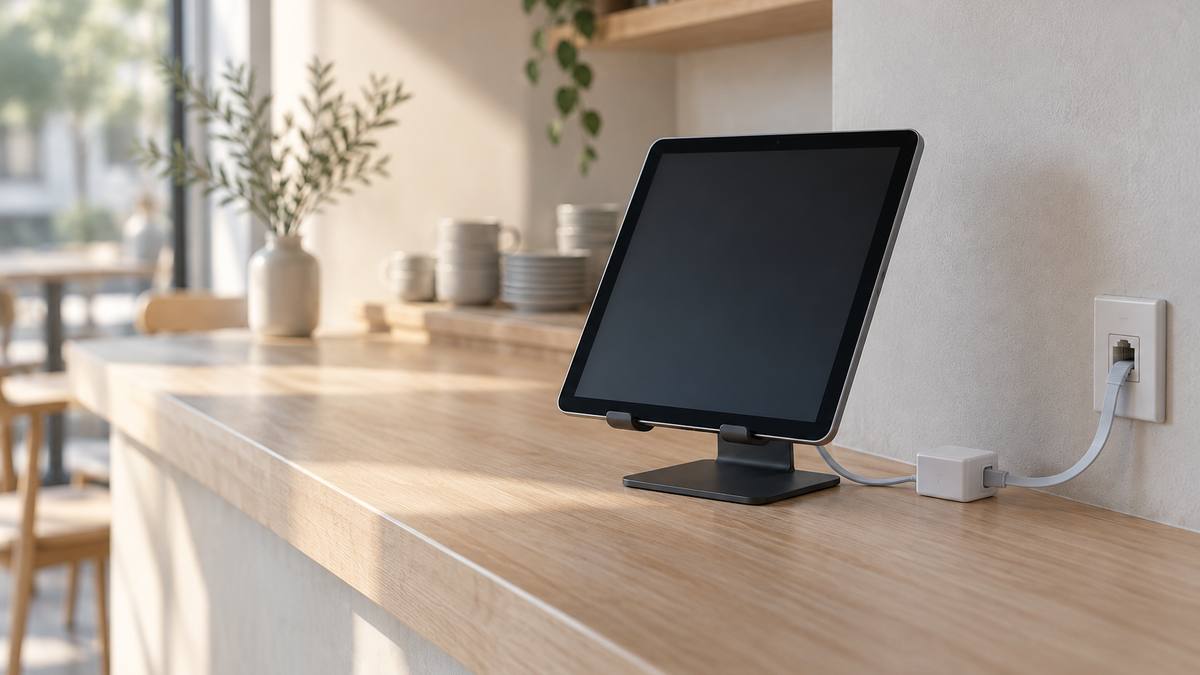
Most iPads never need a cable. A small minority — tills, kiosks, room panels, control surfaces and regulated workflows — stop working properly without one. Here is how to tell which group a deployment belongs to, and what to verify before ordering hardware.
Some brands we cover are clients of our publisher. What we recommend is decided by our editors, and prices are read on the date noted in each article. Our standards.
Quick take. Wire an iPad when the device is fixed in place, runs all day, must survive a congested or hostile radio environment, or sits inside a network policy that treats wireless as a weaker path. Before buying anything, confirm four things: the iPad’s connector generation (Lightning or USB-C), the minimum iPadOS version the adapter states, how the iPad will stay charged while the port is occupied, and whether your network requires 802.1X authentication — Apple documents Ethernet-based 802.1X on iPad only from iPadOS 17 or later. Prices and specs read 10 October 2026.
An iPad needs Ethernet when the cost of an intermittent connection is higher than the cost of running a cable to it. That is a small share of all iPads, and a large share of the ones bolted to a wall.
Wired networking on iPad is also no longer exotic. Apple’s own documentation lists USB to Ethernet adapters among the device classes the USB-C port supports, alongside storage, hubs, keyboards and audio interfaces, and the same page enumerates which iPad models have a USB-C port at all — including iPad Pro (M4 and M5), iPad Air (M2, M3 and M4), iPad mini (A17 Pro) and iPad (A16). Everything downstream of that list is power, protocol and policy.
When does an iPad need a wired Ethernet connection?
Seven situations come up repeatedly, and none is about raw speed. Wired Ethernet buys predictability.
Point of sale
A till that drops its connection mid-transaction creates a queue, a refund dispute and a support ticket in roughly that order. Fixed-position iPad POS stations are the clearest wired candidate: they do not move, they run for the length of a trading day, and card and inventory traffic is small but must be reliable. A wired link also removes the busiest store Wi-Fi from the critical path at the moment it is most loaded.
Kiosks and visitor management
Wall-mounted check-in and self-service iPads are usually single-app, supervised devices with no one standing by to tap “rejoin network”. Cabling them removes the association-and-roam problem entirely, and — if the mount has no mains outlet nearby — Power over Ethernet can carry both jobs down one cable.
AV control and live video
Control surfaces for room systems and video-over-IP workflows are latency-sensitive and intolerant of jitter. Accessory makers aim specifically at this case: Redpark, for example, lists NDI applications as a use case for its USB-C Ethernet adapters.
Medical, industrial and field service
Here the driver is the network itself: clinical and plant networks are frequently segmented, certificate-authenticated, and sometimes have no wireless coverage in the rooms that matter.
Conference-room schedulers
Door-mounted room panels are permanently installed and highly visible when they fail. They are also where PoE pays for itself fastest, because running mains power to a door frame is expensive.
RF-dense venues
Stadiums, trade shows and dense offices share one problem: too many clients competing for airtime. Removing a fixed device from the air helps every mobile one.
Security policy
Some organisations simply will not put a payment or clinical device on wireless. If the standard is port-based authentication, the relevant Apple references are the 802.1X deployment documentation, which covers EAP types including TLS, TTLS and PEAP and the RADIUS certificate trust the device supplicant expects, and the Ethernet payload reference, which Apple lists as supported on iOS 17, iPadOS 17, Shared iPad and other channels.
What to verify before you order the hardware
Connector generation. Lightning and USB-C accessories are not interchangeable, and the gap is not cosmetic. Lightning-era networking accessories are generally 10/100-class: Redpark’s Lightning-based Ethernet Cable (L5-NET, $69) is documented at 10/100 with bandwidth up to 95 Mbps and iOS 10 or later, while its Lightning PoE adapter (L6-NETPOE) carries a note on the product page that it is no longer in production. If a fleet is still on Lightning iPads, plan around a shrinking parts market.
iPadOS floor. Adapter vendors publish a minimum OS. Redpark’s USB-C ethernet products state iOS 16.5 or later; Apple’s Ethernet 802.1X support on iPad starts at iPadOS 17. Take the higher of the two numbers and check it against the oldest device in the fleet, not the newest.
Power while connected. This is where deployments fail six months in. A data-only cable leaves a wall-mounted iPad slowly discharging. There are three documented answers: a charger-fed adapter (Redpark’s C6-NETUSBC, $69, which its spec sheet says needs a USB Power Delivery charger supplying 18W), a PoE adapter (the C6-NETPOE, $99, listed as a PoE+ / 802.3at powered device with 30W consumption), or a dock (the C6-POEDOCK, $149, also PoE+ at 30W, with an extra SuperSpeed USB-C port for a reader, scanner or printer). Competing hardware solves it differently: OWC’s USB-C Travel Dock E is listed at $54.99 with Gigabit Ethernet and up to 100W pass-through power.
Ethernet standard and realistic throughput. “Gigabit” describes the port, not the link you will get through an iPad’s USB subsystem. Redpark publishes figures that make the point: roughly 300+ Mbps for the C5-NET cable ($49), up to 750 Mbps for the C6-NETUSBC and up to 900 Mbps for the PoE models. The underlying standard is IEEE 802.3-2022, which covers Ethernet operation from 1 Mb/s to 400 Gb/s; four-pair power was added by 802.3bt, approved by the IEEE-SA Standards Board on 27 September 2018.
PoE type, not just “PoE”. Budget power per port and check the injector’s published output: Ubiquiti’s PoE Adapter (15W), for instance, is listed at $8.00 with 48V DC at 0.32A and a Gigabit LAN port. Redpark’s own support notes warn that non-standard variants — it names 24V Ubiquiti switches and Cisco’s UPOE extension — have caused detection and power problems with its adapters. Verify compliance, not marketing.
Cable choice and length. Specifics matter more than they should. Redpark’s C6-NETUSBC page recommends USB-IF certified USB-C cables, 1000mm or less to the charger and 1500mm or less to the iPad, and warns that a combined run over 2500mm can destabilise the connection; it also notes that a USB 3.x cable yields a faster link than USB 2. Short, certified cable — then test.
Management and authentication. Confirm the MDM can deliver an Ethernet payload and the certificates it needs, and that the iPad is supervised if the deployment depends on single-app mode. Decide early between DHCP — defined in RFC 2131 — and static addressing, because kiosks behind firewall rules usually want reservations rather than ad hoc leases.
How the options compare
| Approach | Power to the iPad | Typical fit |
|---|---|---|
| Plain USB-C Ethernet cable or adapter | None | Field use, temporary installs, devices that dock to charge |
| Charger-fed Ethernet adapter | From a USB-PD charger at the mount | Counters and desks with an outlet already present |
| PoE / PoE+ adapter or dock | From the switch over the same cable | Wall mounts, door panels, kiosks with no outlet |
| Multiport dock | Pass-through from a charger or PoE | POS and scanning stations that also need USB peripherals |
Generic adapters are cheaper and fine for a desk. Belkin’s USB-C to Gigabit Ethernet Adapter was listed at $27.99 with 10/100/1000BASE-T support, a 0.5-foot cable and a two-year warranty when the page was read on 10 October 2026 — though it showed as out of stock, and its published compatibility list names laptops, tablets and Mac, Windows and Chrome operating systems rather than iPadOS specifically. That gap is the practical argument for buying iPad-specific hardware for a fleet: the vendor has stated an iPadOS floor and a power behaviour you can hold them to.
Where a specialist vendor fits
Redpark is a useful worked example because its catalogue is organised around exactly these decisions. Its iPad Ethernet adapter range separates data-only cables from charger-fed adapters, PoE adapters and docks, and each product page publishes the part number, price, minimum iOS version, Ethernet class, PoE type and cable guidance rather than a single speed figure. The company describes itself as a California engineering team that has participated in Apple’s MFi programme for more than 15 years — a vendor claim, not an independent certification result, but a checkable one, since MFi is the mechanism Apple uses to license accessory technologies.
For a wall-mounted kiosk with no power outlet, the relevant item in that range is the C6-NETPOE PoE adapter at $99: USB-C iPads only, iOS 16.5 or later, PoE+ at 30W, up to 900 Mbps, and a USB-C to USB-C cable sold separately — a line item worth catching at quote stage rather than install day.
The short version
Wire the iPads that cannot afford to miss a packet and cannot be rebooted by a passer-by: tills, kiosks, room panels, control surfaces and anything inside a network that authenticates its ports. Leave the rest on Wi-Fi. Then do the unglamorous verification — connector, OS floor, power path, PoE class, cable spec, MDM payload — before a purchase order goes out, because almost every wired-iPad project that disappoints fails on one of those six rather than on the network itself. Prices and specs were read 10 October 2026 and change without notice; for how this publication picks what it covers, see how we choose and the corrections policy.
